.png&w=750&q=75)
.png&w=3840&q=75)
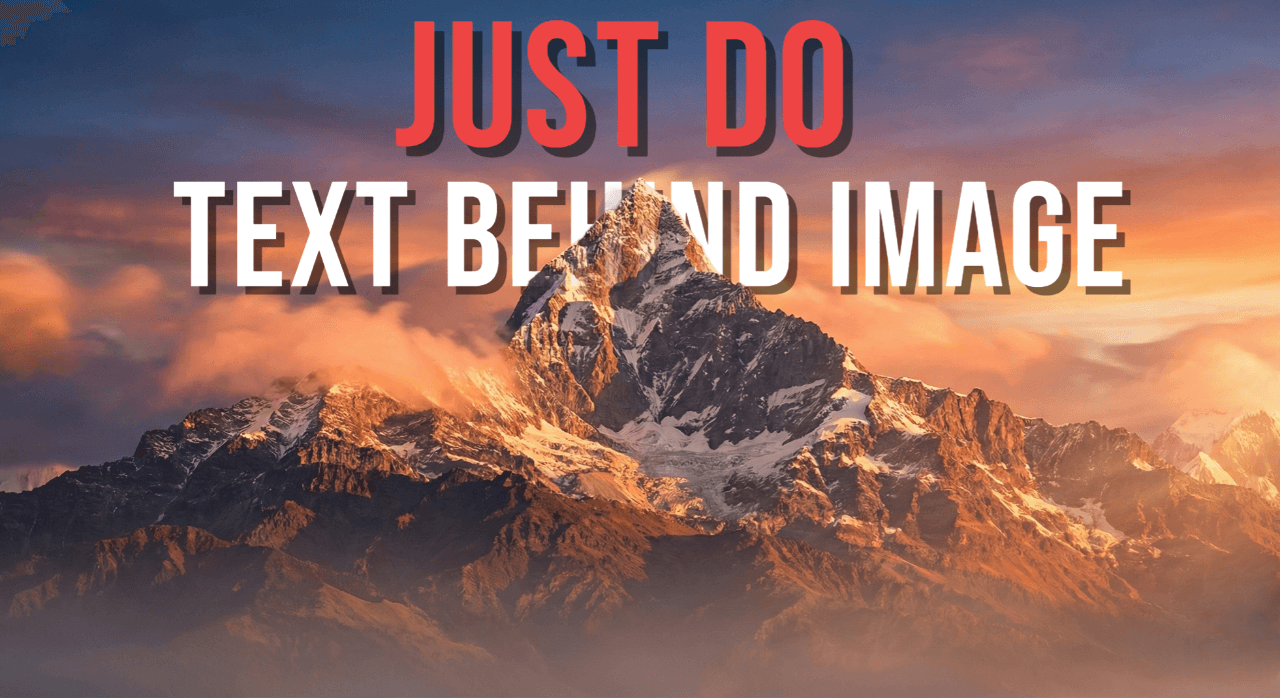
Text Behind Image
Keep the subject in front while the typography stays bold.
Blend foreground extraction, layer control, and typography into one fast workflow for posters, reels, and ad creatives.
Open editorDesign studio quality visuals directly in your browser. No login wall, fast exports, and built-in AI tools to speed up every step.
Core Workflows
Text Behind Image
Blend foreground extraction, layer control, and typography into one fast workflow for posters, reels, and ad creatives.
Open editorText Inside Image
INSIDE
Use this style for hero headlines, album art, event promos, and brand campaigns where text needs visual depth.
Open text inside toolMore Free Tools
Move from cleanup to export without leaving the product. Every tool is tuned to support fast creative production, not just isolated edits.
Reference image
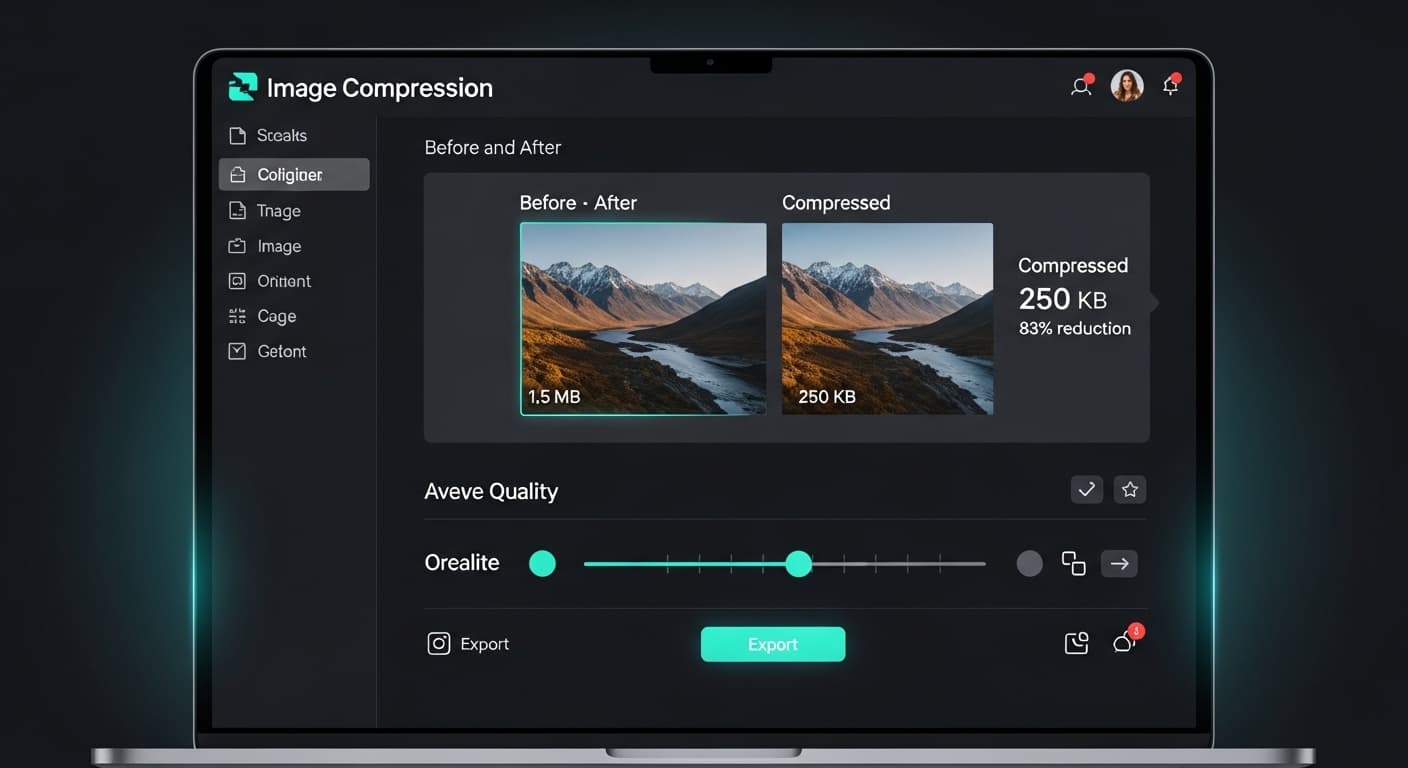
Reduce file size while preserving visual quality.
How it works:Upload an image, tune compression, and export a smaller file in a few clicks.
Reference image
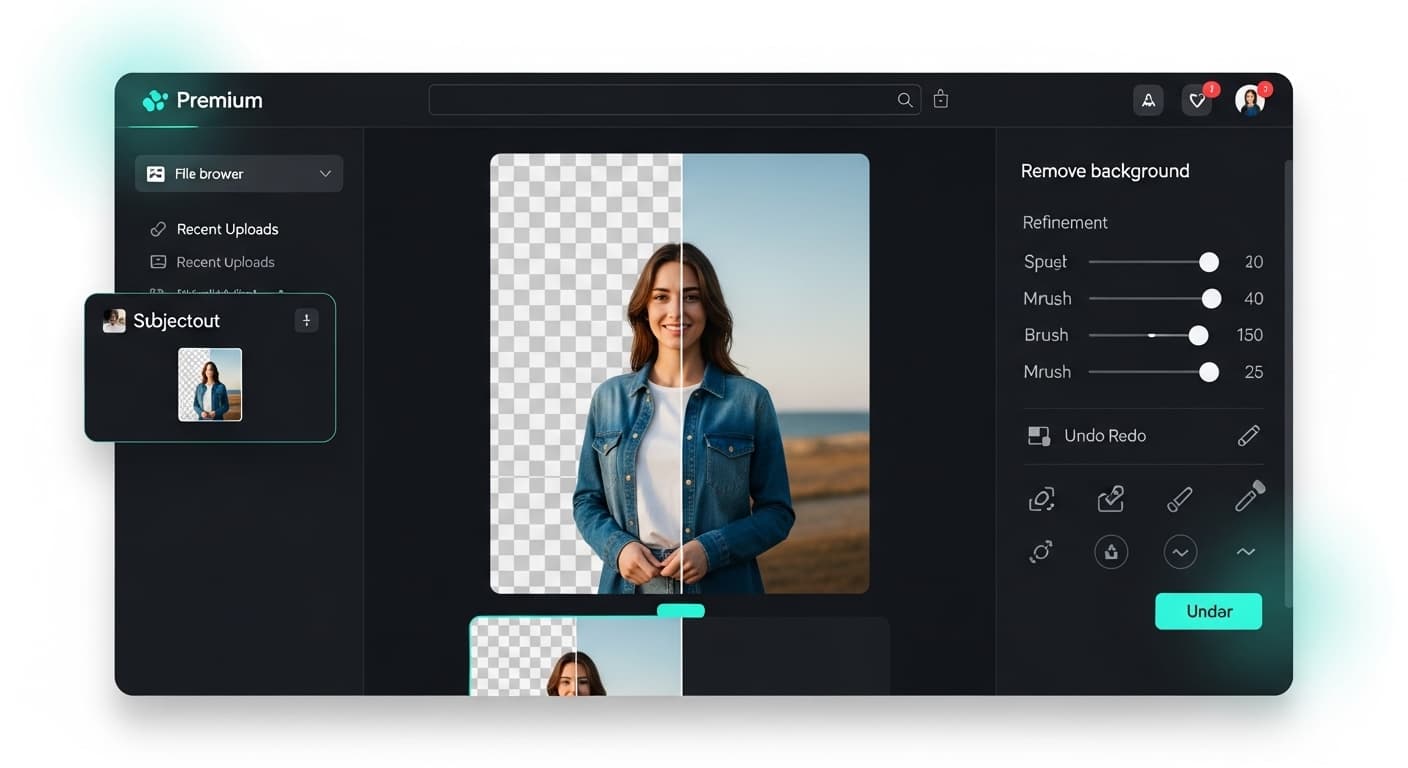
Extract subjects with AI in one click.
How it works:Pick your photo, let AI isolate the subject, then download a clean transparent cutout.
Reference image
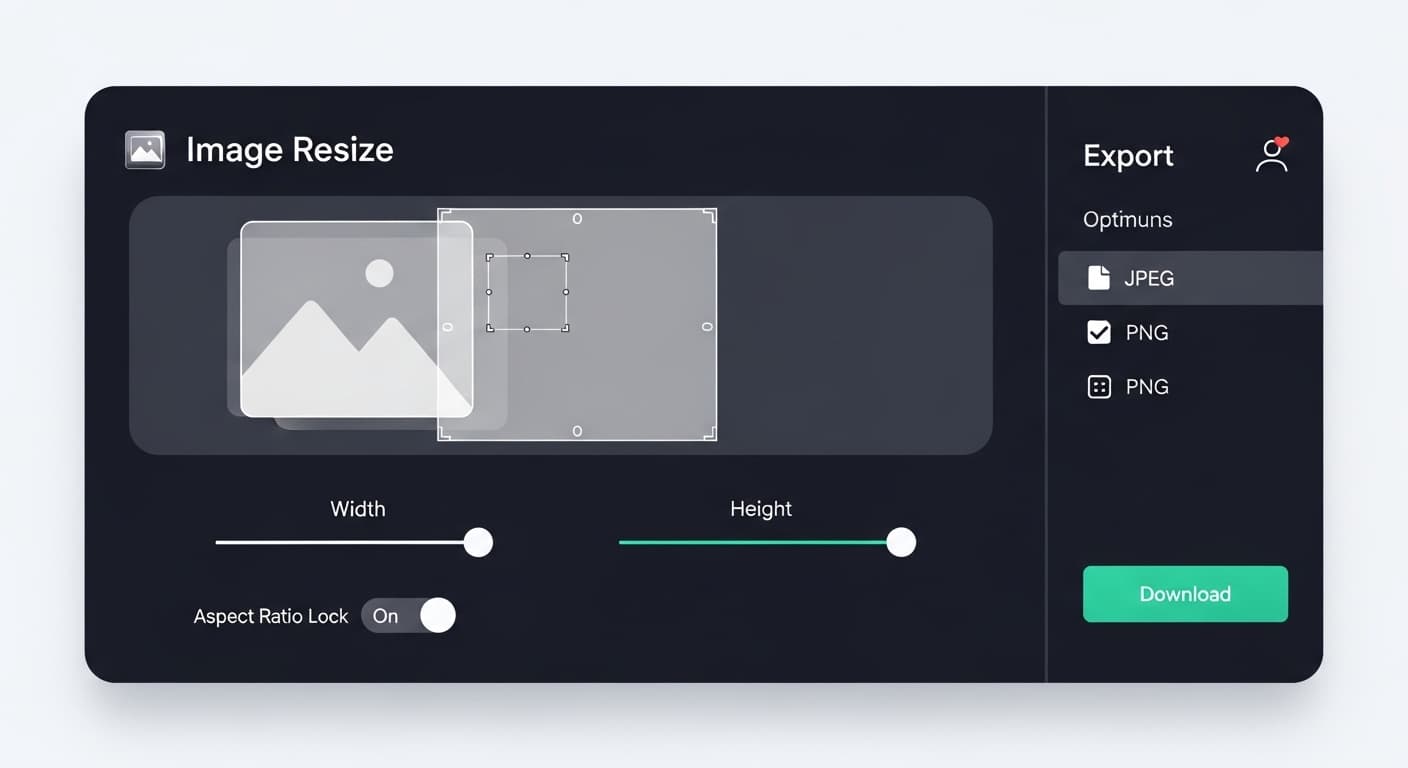
Set custom dimensions for every platform.
How it works:Choose your target size, preview the frame, and export with the new dimensions.
Reference image
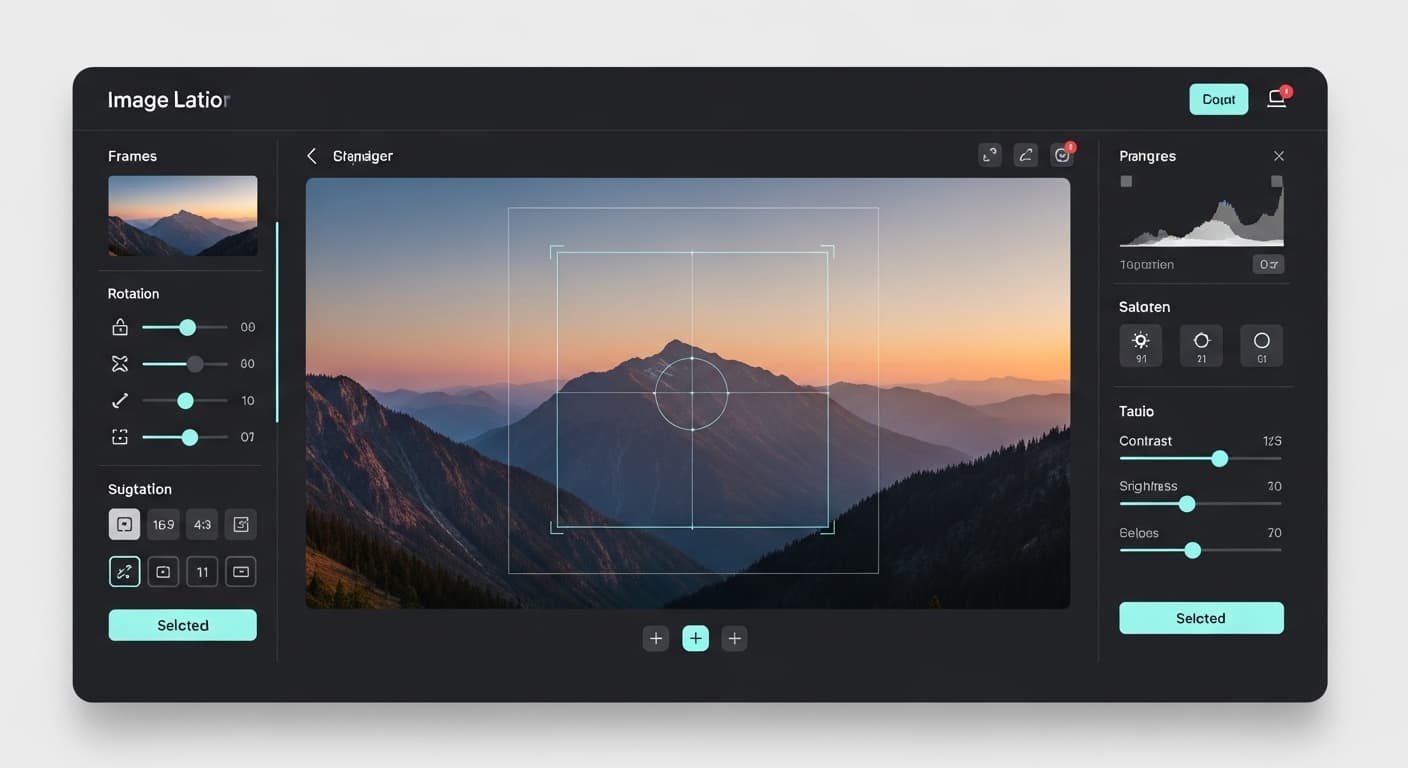
Frame exactly what matters in seconds.
How it works:Drag the crop area to focus the composition and save only the part you need.
Reference image
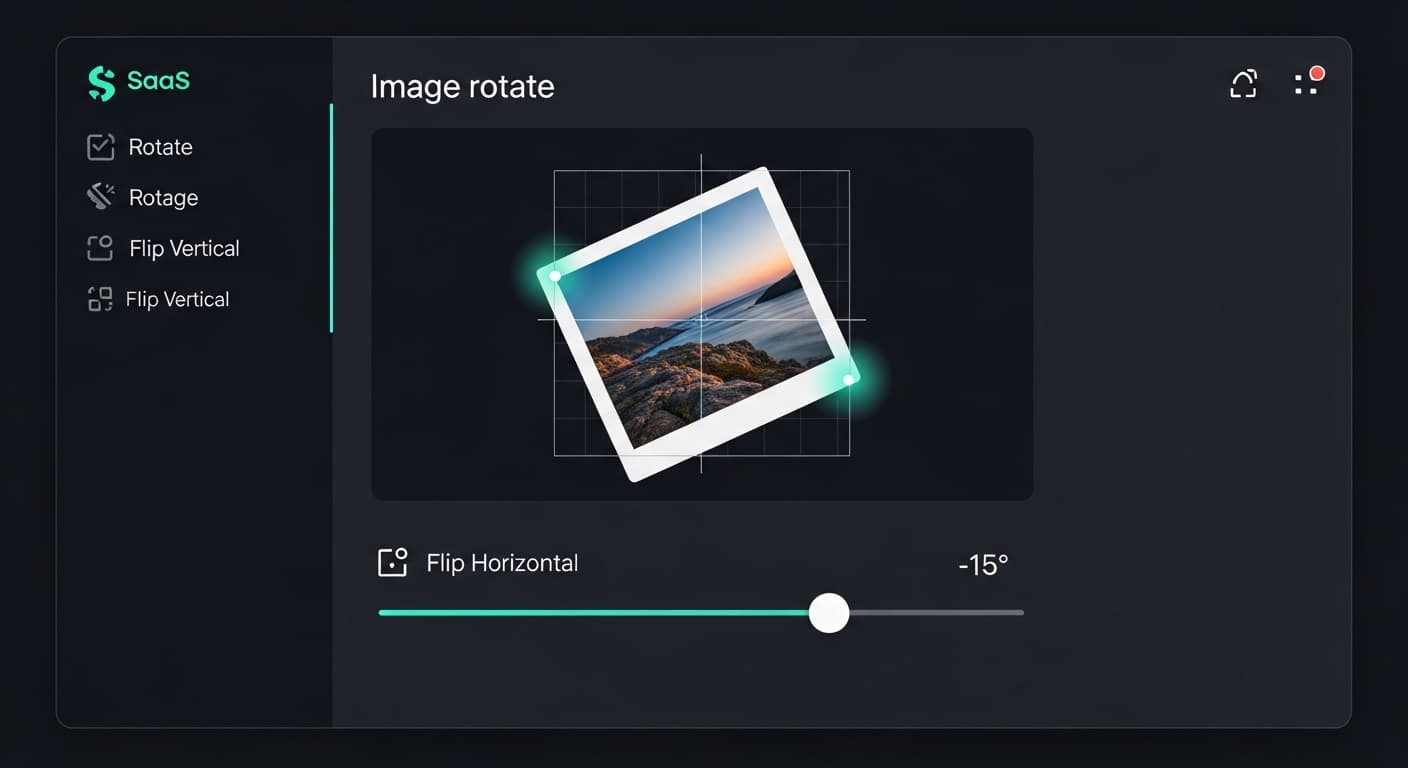
Fix orientation and mirror instantly.
How it works:Rotate or flip the image until the angle looks right, then export the corrected version.
Reference image
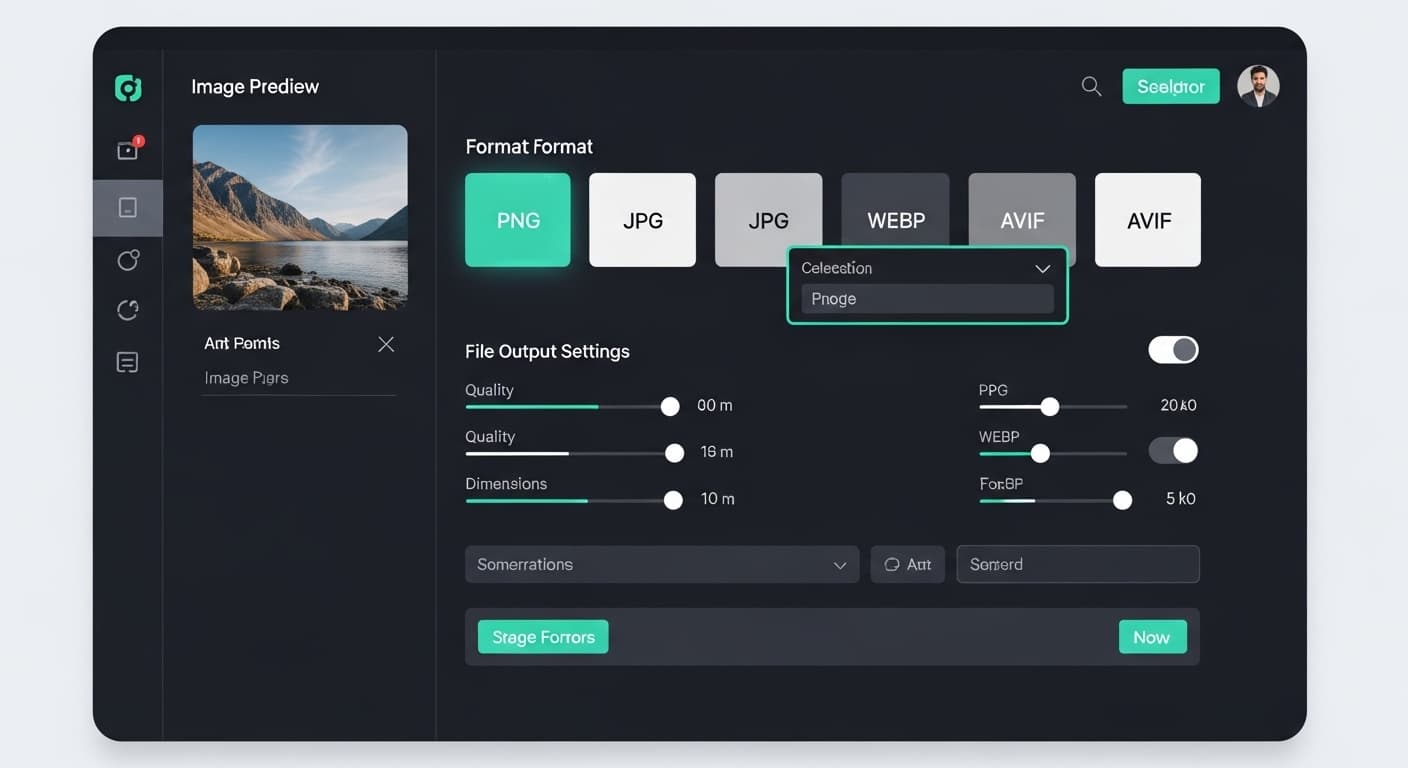
Export PNG, JPG, WEBP, and AVIF files.
How it works:Upload once, choose the file type you need, and download the converted asset.
Toolkit overview
The support tools are grouped to feel like a real workflow layer around the main text effects editor, so the section reads more like a product and less like a generic feature grid.
Why Teams Use It
Keep people, products, and vehicles cleanly separated from text layers.
Tune font, weight, spacing, opacity, and layering in a precise visual canvas.
Generate high-quality assets quickly, directly from your browser workflow.
Showcase
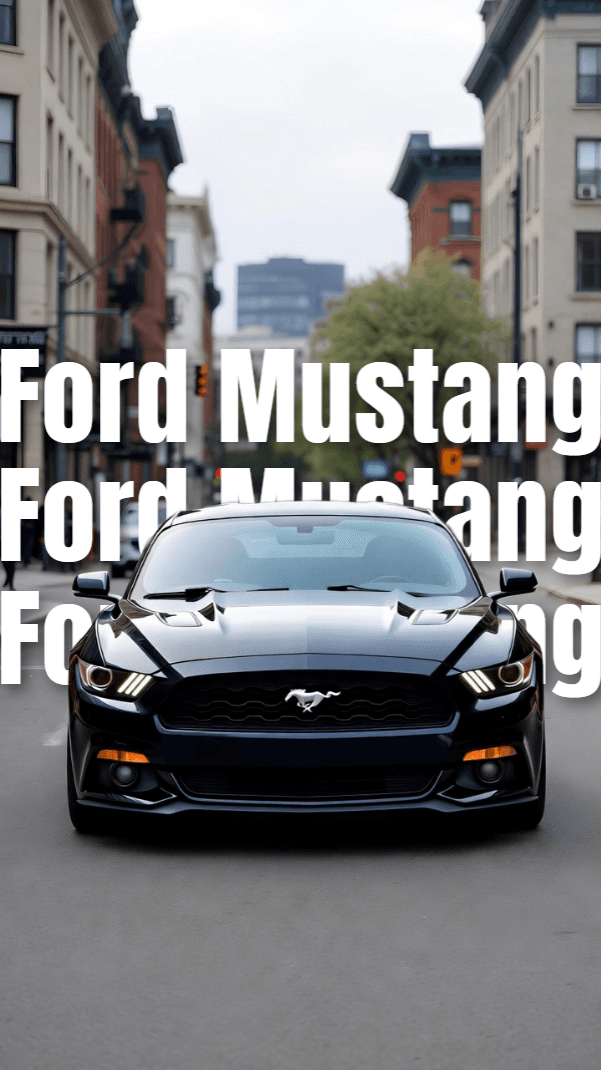
Use existing photo assets to create ad-style compositions.
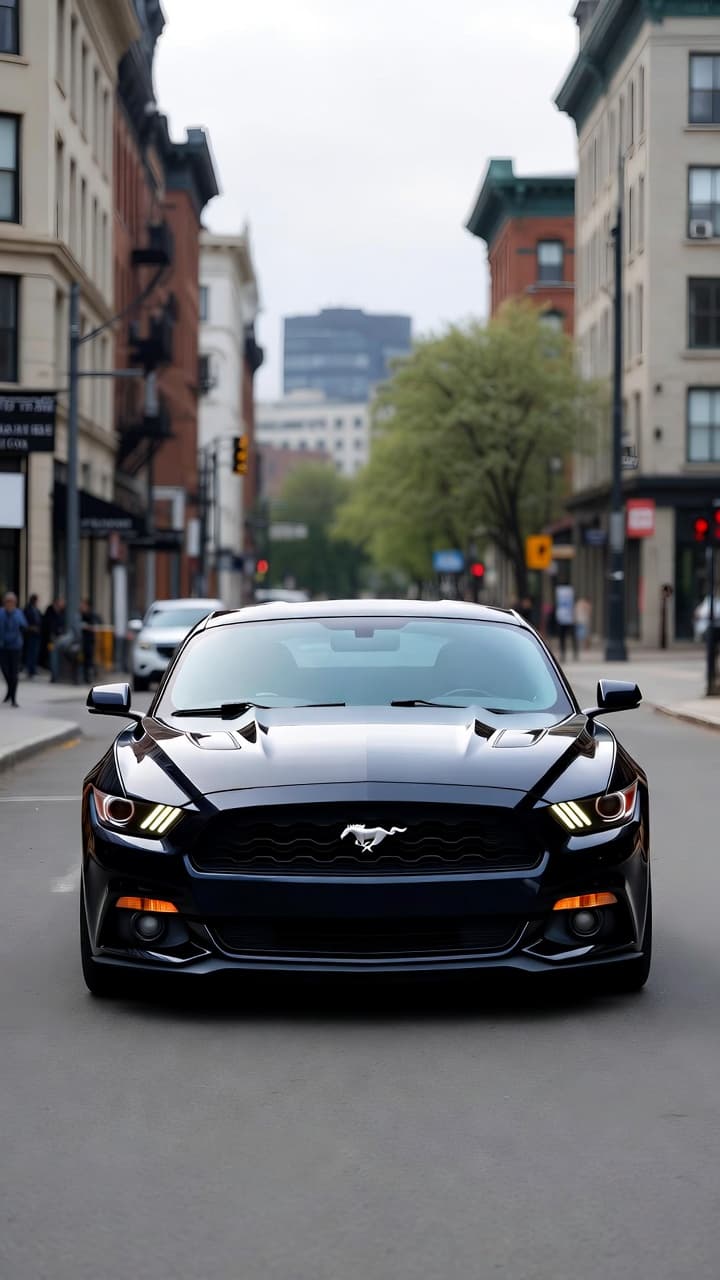
Show the clean source image before turning it into a layered design.
.png&w=3840&q=75)
High-contrast visuals for campaigns, posters, and social covers.